PSENscan Tools

Simple configuration of your safety laser scanner PSENscan

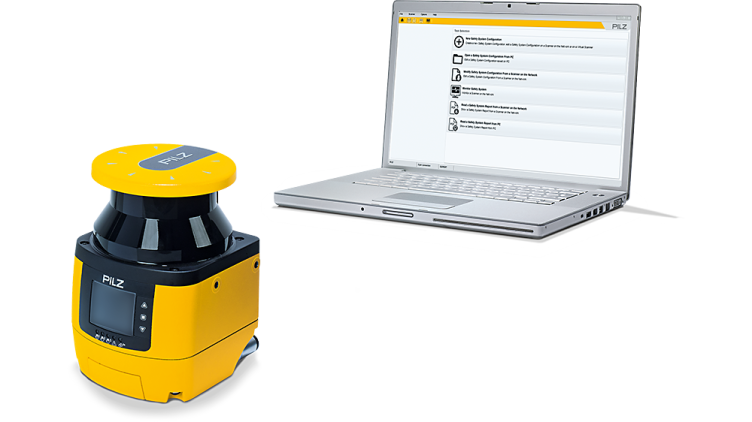
PSENscan Configurator with laptop

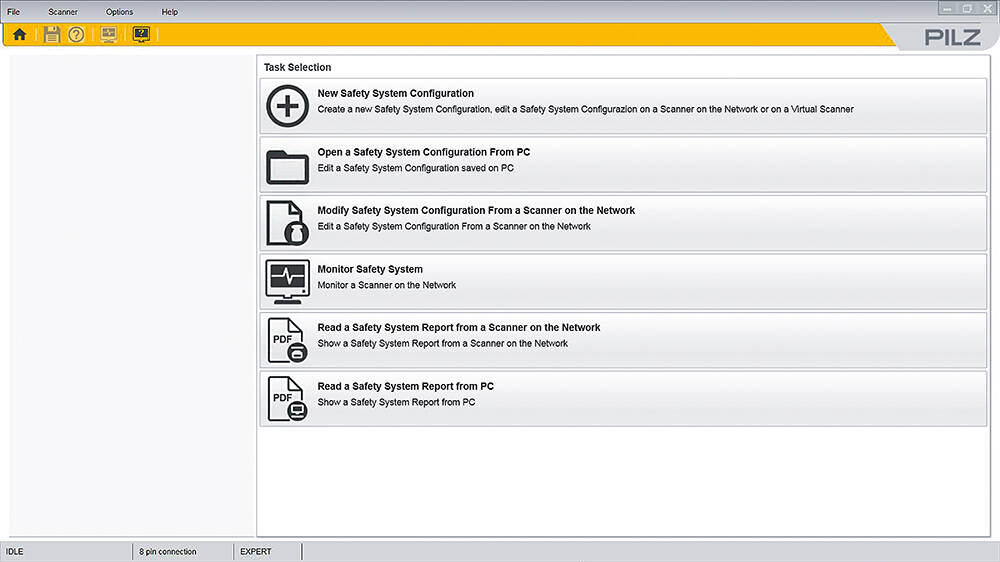
With PSENscan Configurator, you can quickly and easily set all the important parameters for the operation of your safety laser scanner PSENscan on the PC.

For simple on-site configuration you can create a live image of the environment using PSENscan Configurator. Show this environment image in Configurator and set your zone configuration accordingly.

PSENscan Configurator also supports you by displaying scanner and I/O status during diagnostics.
Benefits of PSENscan Configurator

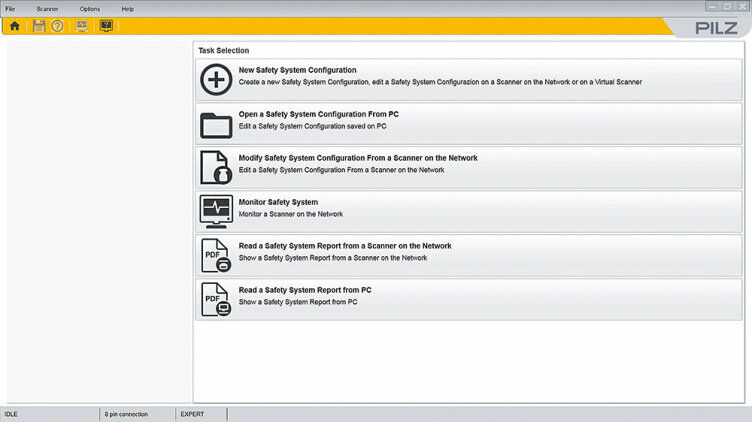
  • Simple on-site configuration by recording an image of the environment
  • Intuitive I/O configuration by recording via wire colour
  • Simple diagnostics by displaying the scanner and I/O status
  • Simple configuration and diagnostics by monitoring (live image)
  • Intuitive operator guidance when creating new configurations
Live image PSENscan Configurator

PSENscan Configurator can be used in a wide range of industries

Simple configuration of your safety laser scanner PSENscan

Top
Contact

Pilz South East Asia (Thailand) Co., Ltd
3, Promphan 3 Building, Unit 1201 - 1202, 12th floor, Soi Lat Phrao 3, Lat Phrao Road, Chom Phon, Chatuchak
Bangkok 10900
Thailand

Telephone: +66 2105 4613
E-Mail: [email protected]

Orders Support

3, Promphan 3 Building, Unit 1201 - 1202, 12th floor, Soi Lat Phrao 3, Lat Phrao Road, Chom Phon, Chatuchak
Bangkok 10900
Thailand

Telephone: +66 2105 4613
E-Mail: [email protected]

Technical Support

Telephone: +66 210 54613
E-Mail: [email protected]

Open contact form
Telephone:+49 711 3409-0
Mail: [email protected]

What can we do for you?


I understand that, unless I give my consent, any personal data collected will only be used for processing orders and dealing with my enquiries. Further information on data protection and contact details for our data protection officer are available here: Pilz data protection
Consent can be withdrawn at any time (E-Mail will suffice).

* Mandatory field